Why I Name Every Image the Same Way (And Why You Should Too)
Let me tell you about a habit that has quietly saved me hundreds of hours over the years. It is not glamorous. It is not complicated. And most designers never think about it until they are 45 minutes into hunting for a fabric image they know they saved somewhere.
It is this: I name every single product image the exact same way. Every time. No exceptions.
Client-Room-Item
That is it. Three words separated by hyphens. And that one small habit connects my entire design workflow from brainstorming all the way through to pricing and installation.
Let me show you exactly how it works.
It Starts with Brainstorming
When I am in the early stages of a project I am on vendor websites, pulling images that speak to the direction I am taking the design. Fabric samples. Chair silhouettes. Cabinet hardware. Paint chips. Appliance specs. Trim details. All of it.
As I pull each image I name it immediately. Something like:
- SmithResidence-MasterBedroom-Sofa
- SmithResidence-Kitchen-RangeHood
- SmithResidence-PowderRoom-Wallpaper
And I drop it straight into the client folder in Dropbox.
Here is what most designers do not realize about this step. The act of naming forces you to be intentional. When you have to decide which room an item belongs to and what it IS, you are not just saving an image. You are making a design decision. You are building your story as you source, not after.
That clarity at the brainstorming stage pays dividends all the way through the project.
The Dropbox Folder Structure
Every client gets their own folder in Dropbox. Inside that folder I have subfolders by room. When I pull an image and name it client-room-item, it goes straight into the right subfolder and stays there.
No mystery folders. No unnamed screenshots. No digging through downloads trying to remember where something went. Everything is exactly where it should be, named in a way that makes it instantly findable by me or anyone on my team.
This also means my files are backed up and accessible from anywhere. Whether I am at my desk, at a client's home, or sourcing at market, everything is right there.
How It Connects to Canva
I have a client folder set up in Canva with subfolders that mirror my Dropbox structure. When I am ready to build a presentation, I upload the images from Dropbox into the matching Canva subfolder.
Because everything is already named client-room-item, I can find any image instantly while I am building slides. I am not scrolling through hundreds of unnamed images trying to remember which sofa was for which client. I just search the name and it is there.
This makes the presentation build SO much faster. And it means I can hand off the presentation build to a team member with confidence because the naming convention tells them exactly what everything is without me having to explain it.
How It Connects to Studio Designer
When I move into the pricing and specification phase in Studio Designer, the same image names I used in Dropbox and Canva map directly to my product entries. I am not re-identifying items or cross referencing files. Everything already matches.
SmithResidence-Kitchen-RangeHood in Dropbox is the same image attached to the range hood line item in Studio Designer. One name. One image. No confusion anywhere in the workflow.
This kind of consistency is what separates a design business that scales from one that stays stuck in chaos as it grows.
Where Claude Comes In
Here is where AI makes this system even more powerful. If you have a team member or assistant who helps with sourcing, you can use Claude to write a clear, simple SOP (standard operating procedure) for your image naming and folder system.
Just describe your workflow to Claude and ask it to write the SOP. Something like:
"I have an image naming system for my interior design business. Here is how it works: [describe your system]. Can you write a clear, step by step SOP that I can give to a team member so they can follow this system consistently without asking me questions?"
Claude writes it in minutes. You review it, tweak anything that needs adjusting, and now your system is documented and transferable. Your team can source images correctly the first time. No fixing later.
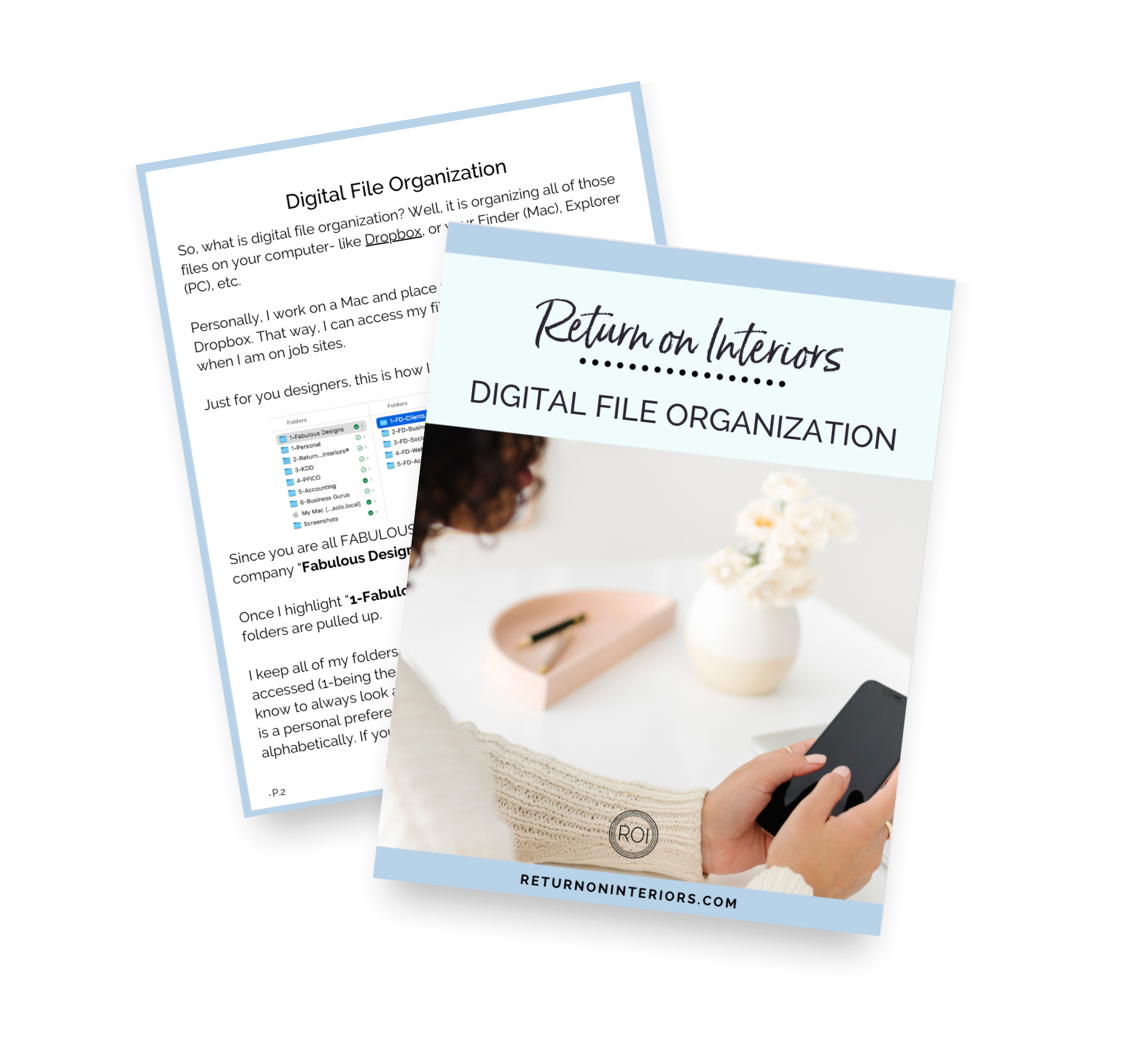
If you would like to know more about how to create naming conventions that can save you even more hours, check out this free download on digital file organization.

PS. For a little insight about how I use the naming during my design process, check out the video.
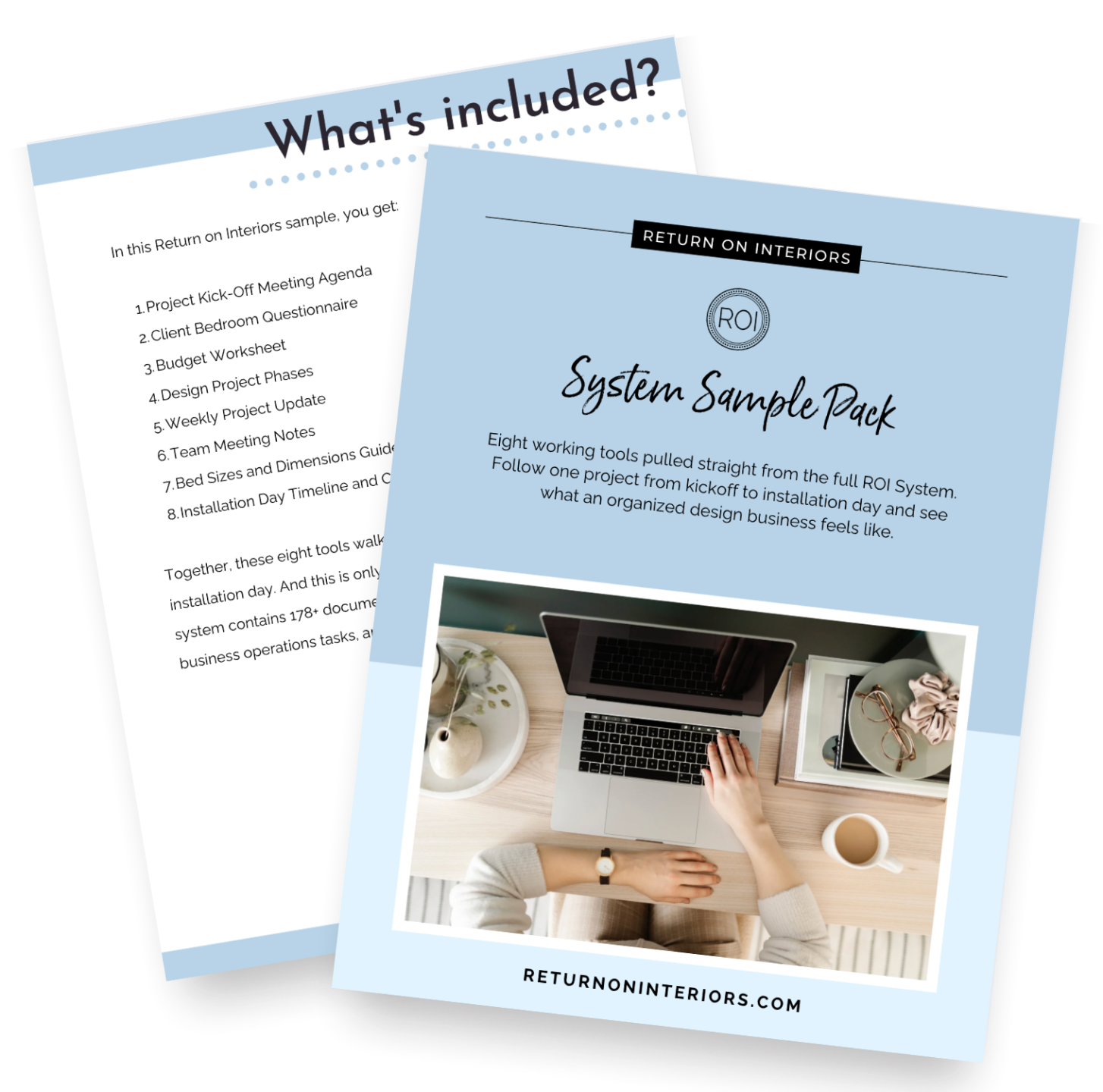
Get the Free Sample Pack
Eight tools built to make sure nothing gets lost between you, your client, and your trades.
Quick answers without the googling
49 Quick Reference Guides for interior designers. Visual, printable, and ready to use.