Use AI to Write Client Emails in Your Brand Voice
Let me ask you something. How long does it take you to write a client email?
Not a quick “see you Thursday” reply. I mean a real project update. A scope change conversation. A follow-up after a difficult meeting. The kind of email where you stare at the screen for ten minutes trying to figure out how to say what you need to say without sounding cold, or worse, unprofessional.
If you are like most designers I know, those emails take way longer than they should. And when you are juggling three active projects, a vendor crisis, and a contractor who hasn't responded in four days, that time adds up FAST.
Here is what I do instead. And it has completely changed how I communicate with clients.
Start with the Right Template
The first thing you need is a solid starting point. Not a generic email you found on Pinterest. A real, professionally structured template that covers the key communication moments in a design project. Weekly updates. Scope change notifications. Contractor expectation setting. Installation day prep. These are the moments where clear, confident communication makes or breaks the client relationship.
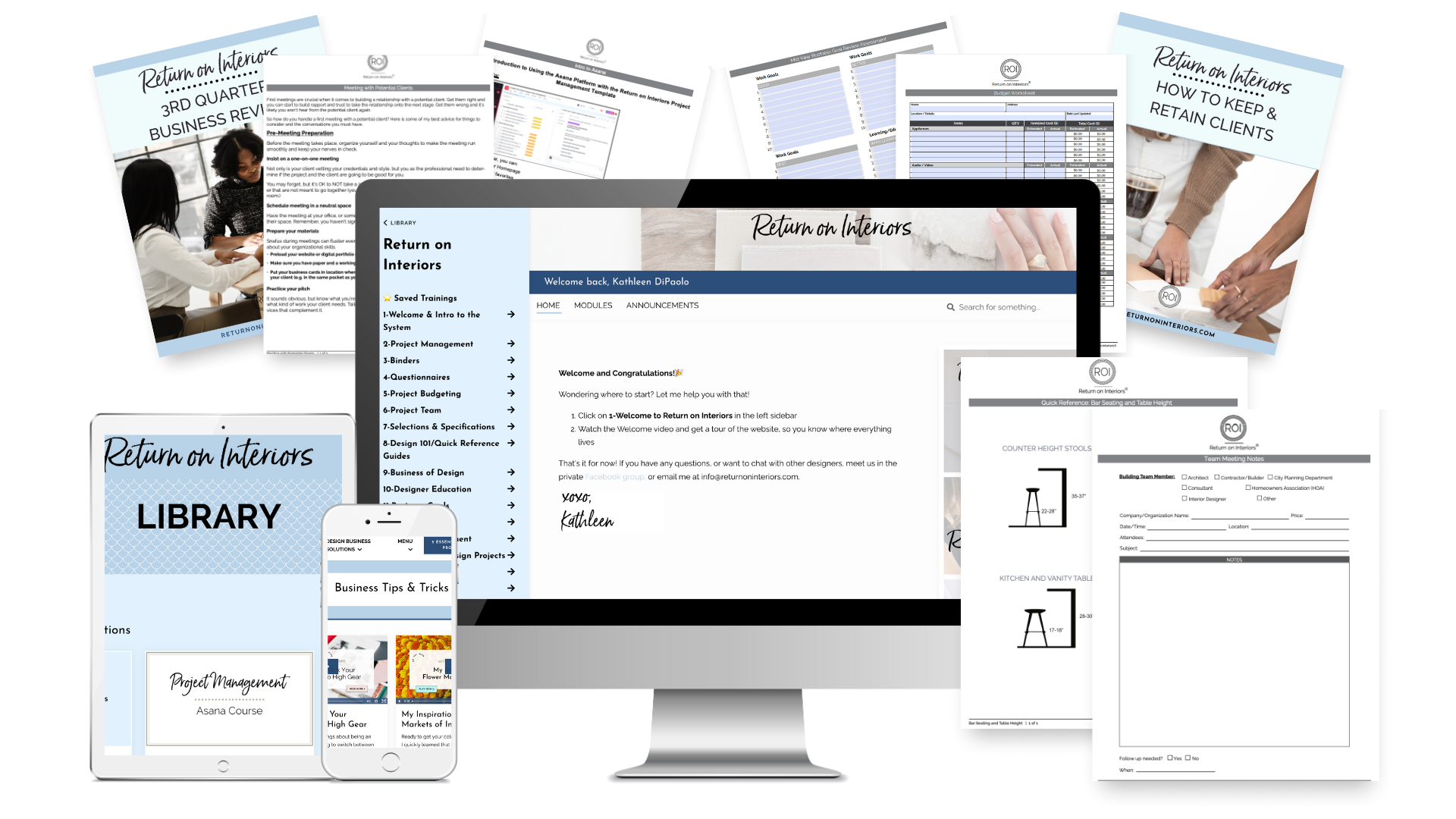
This is exactly what I built into the Design Project Blueprint . Every major client communication moment in a design project has a template, already structured and ready to go, living inside your Asana project management system so it shows up exactly when you need it during the project workflow.
But here is the thing about templates. They give you the structure. They do not give you YOUR voice.
This is Where Claude Comes In
Once I have my template, I paste it into Claude with a simple prompt. Something like:
“Here is a client email template I use for weekly project updates. Can you rewrite this in a tone that is warm, authoritative, and professional? I want it to sound confident but approachable, like a trusted expert who genuinely cares about their client's experience.”
And Claude rewrites it in exactly that tone. Every single time.
What used to take me ten minutes of staring at a blank screen now takes about two. I get a beautifully written email that sounds like me at my best, not me at 6pm on a Friday when I am exhausted and just trying to get through my inbox.
How to Make It Sound Like YOU Specifically
The key to getting great results from Claude is giving it context about your brand voice. Here is a prompt you can use right now:
“I am an interior designer and my brand voice is [describe your voice here, for example: warm, elevated, approachable, detail-oriented]. Here is a client email template I use. Please rewrite it in my brand voice while keeping all the key information intact.”
The more specific you are about your voice, the better the output. I like to describe mine as authoritative and warm at the same time. Confident enough that clients trust my expertise, but personal enough that they feel genuinely cared for throughout the process.
You can also paste in an example of an email you have already written that you love and ask Claude to match that tone going forward. That is one of the fastest ways to train it to sound like you.

What This Looks Like in Practice
Here is a real example of how this workflow plays out on an active project:
It is Friday afternoon. I need to send my weekly project update to a client whose kitchen remodel is running three days behind schedule because of a tile backorder. Not a fun email to write.
I open my Asana project, pull up my weekly update template from the Design Project Blueprint, paste it into Claude with a note about the delay, and ask it to write a warm, professional update that addresses the delay honestly without creating panic.
Two minutes later I have a beautifully written email that keeps the client informed, manages their expectations, and reinforces their confidence in me as their designer. I review it, make any personal tweaks, and send.
That is it. No staring at the screen. No second guessing every word. Just clear, confident communication that sounds exactly like me.
The Combination is Everything
Templates give you the structure and make sure nothing important gets missed. Claude gives you the voice and makes sure every communication feels personal and professional. Together they are an incredibly powerful system.
And the best part? Once you have done this a few times, you start to build a library of your own Claude prompts that consistently get you the tone and style you want. Your communication gets faster, more consistent, and more on brand with every single project.
If you want to get started with the templates, the Design Project Blueprint has everything you need built right into your Asana workflow.

Get the Design Project Blueprint

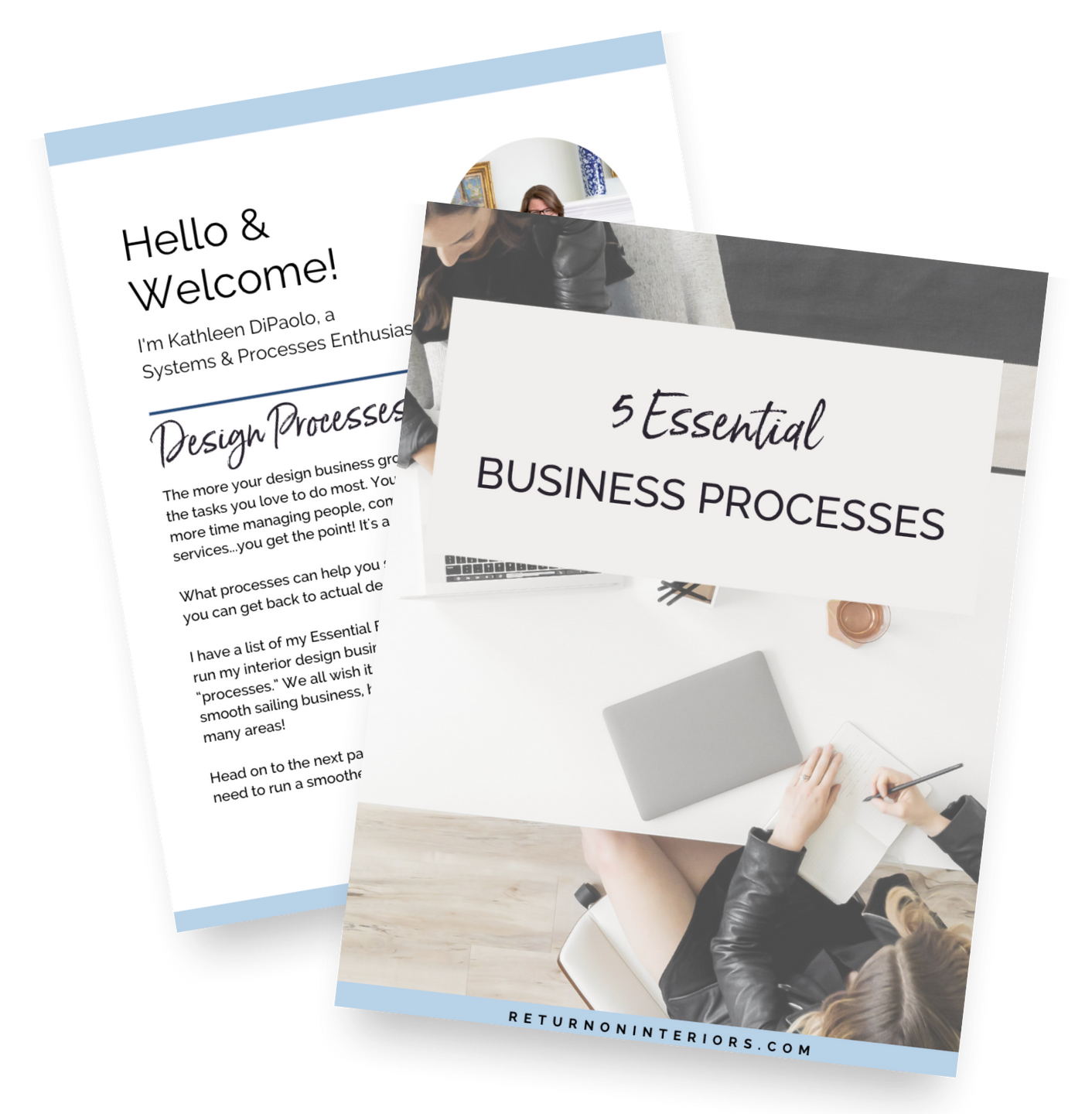
P.S. Not sure if the Blueprint is right for where you are in your business right now? Start with the free 5 Essential Business Processes guide and see how the system works before you commit. You are going to love it!
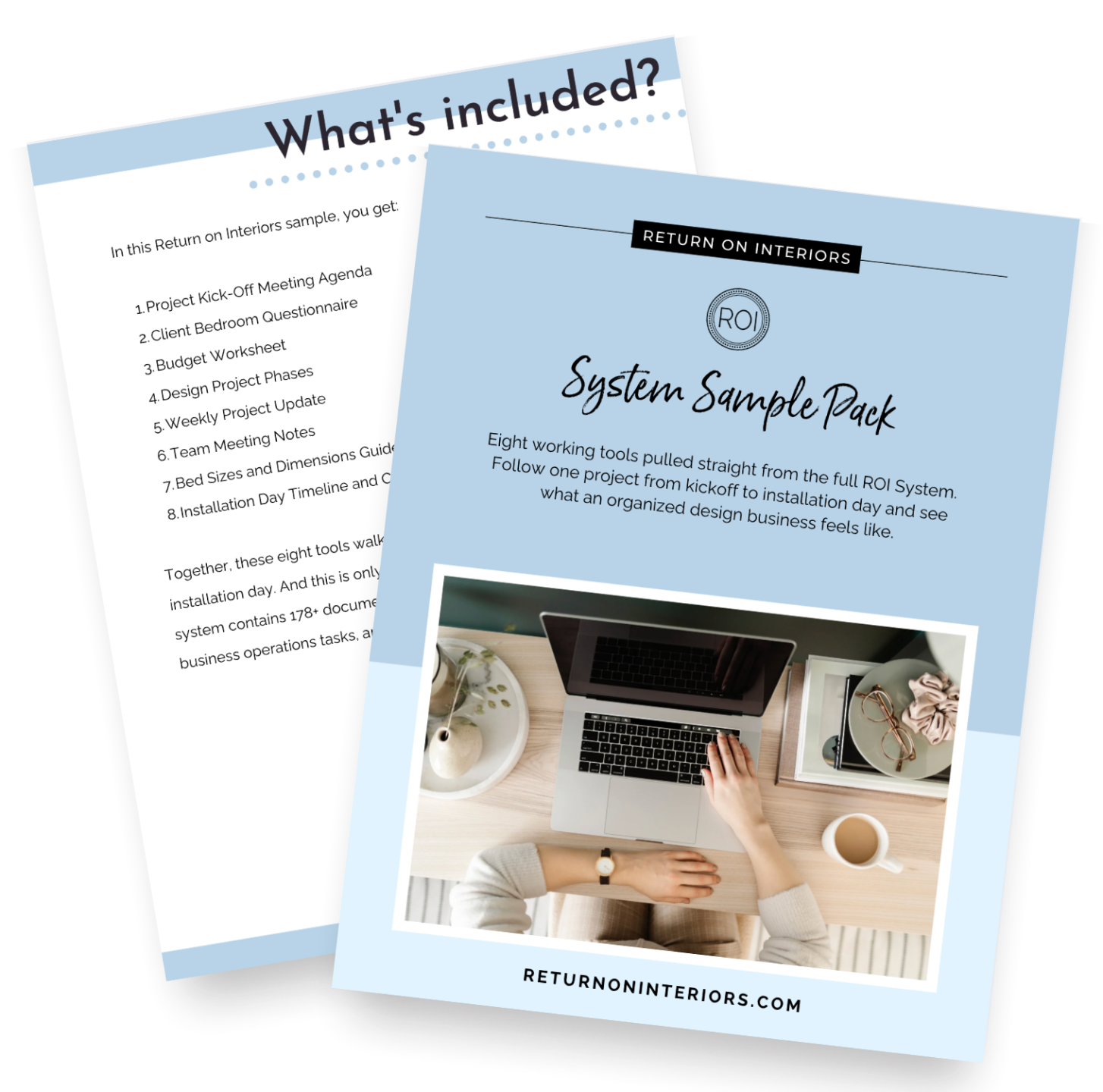
Get the Free Sample Pack
Eight tools built to make sure nothing gets lost between you, your client, and your trades.
Quick answers without the googling
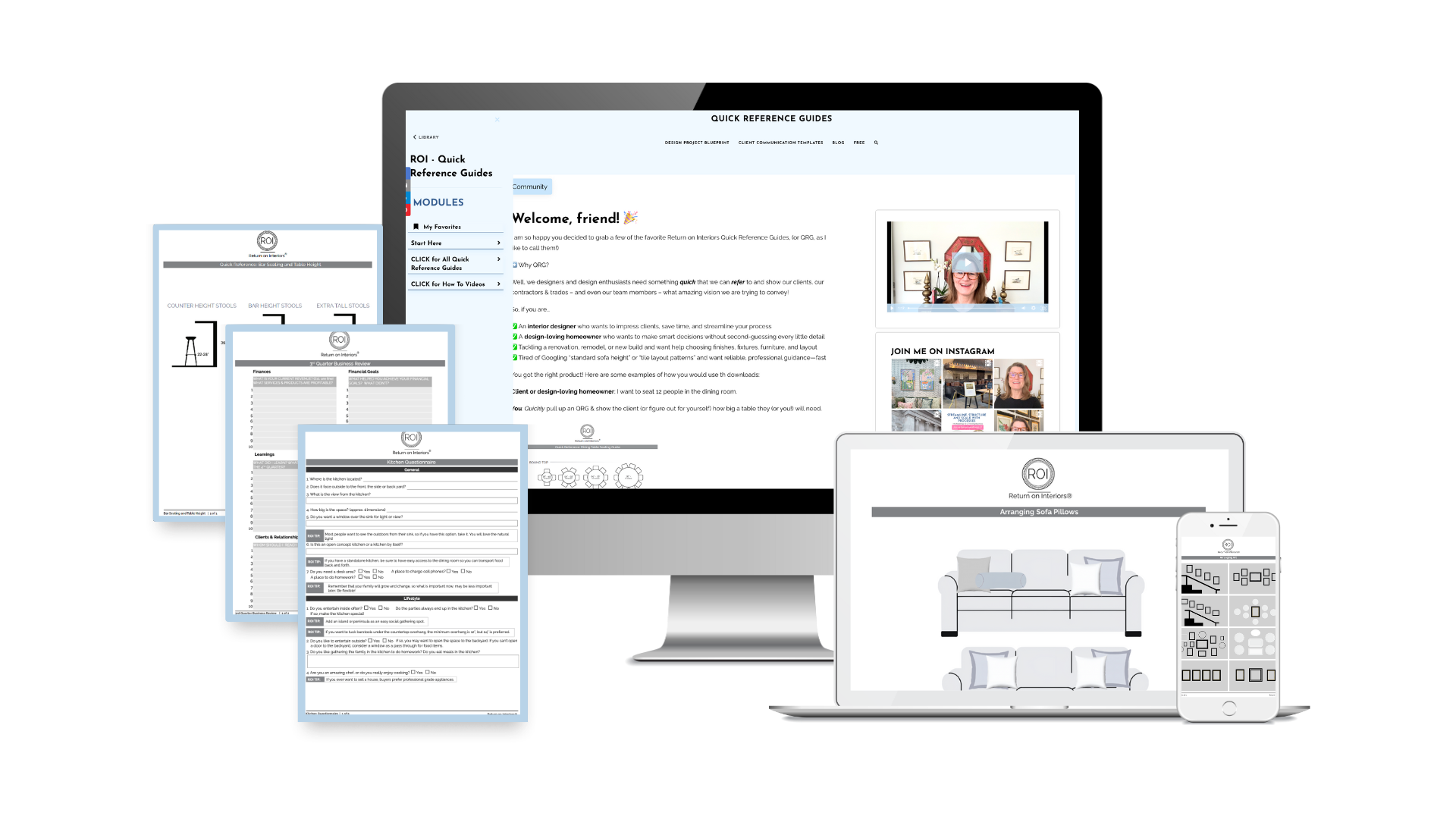
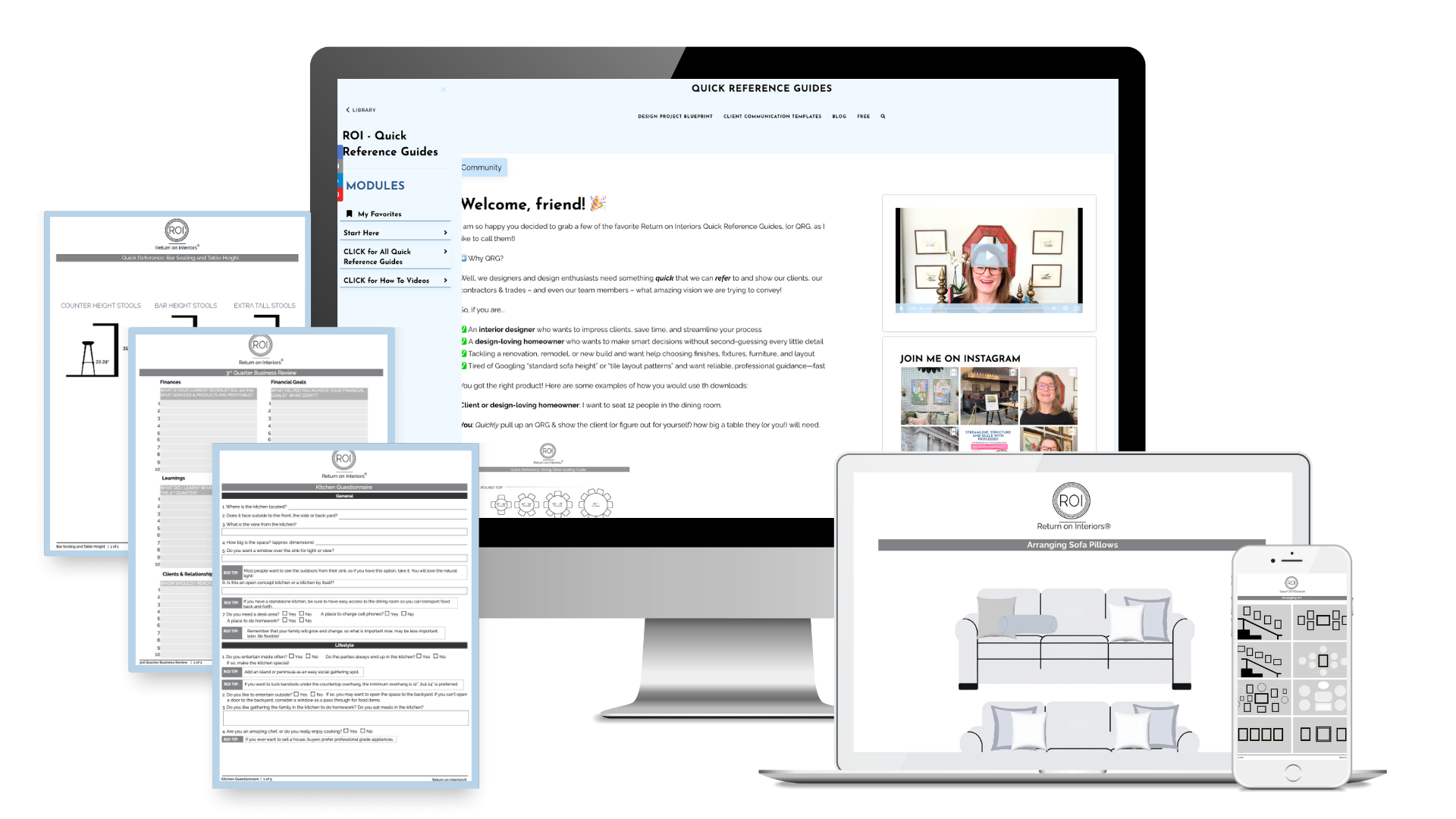
49 Quick Reference Guides for interior designers. Visual, printable, and ready to use.